
The best AI learning assistant for university students
One tap, and your lectureturns into exam notes
No more all-night exam study. Prepare for exams quickly and efficiently with Archy.
Organizations already working with Archy


You do not have to chase the lecture
Live summary notes follow the lecture flow so you can keep the important explanation in view.
Start recording the moment class begins
Even without long notes, the lecture flow stays captured in order.
Live summary notes build right away
Catch the key explanation in the live summary, then reopen the full transcript from the saved record after class.
A one-page note to reopen before the exam
Key ideas and revisit points land on one page, so review starts faster.
You do not have to study all night.
Upload a lecture PDF or recording to get summary notes and practice questions. Review key ideas, check your understanding with a quiz, and ask your AI tutor about concepts that are still unclear.
- Upload a PDF or recording
- Review notes and take quizzes
- Ask your AI tutor
01
Start with the materials you already have.
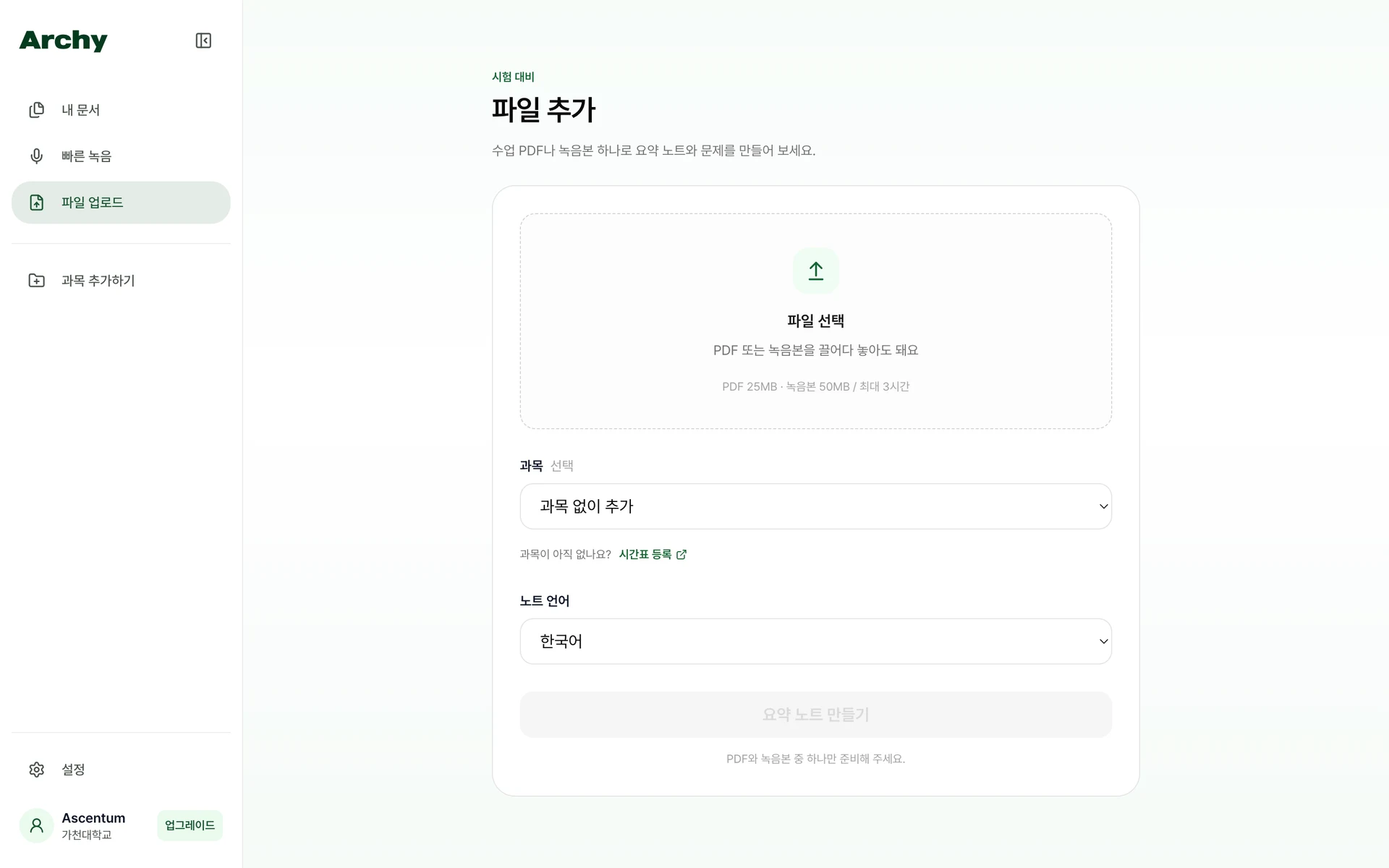
Upload one PDF, one audio recording, or one of each together.
Get summary notes and questions based on your materials.
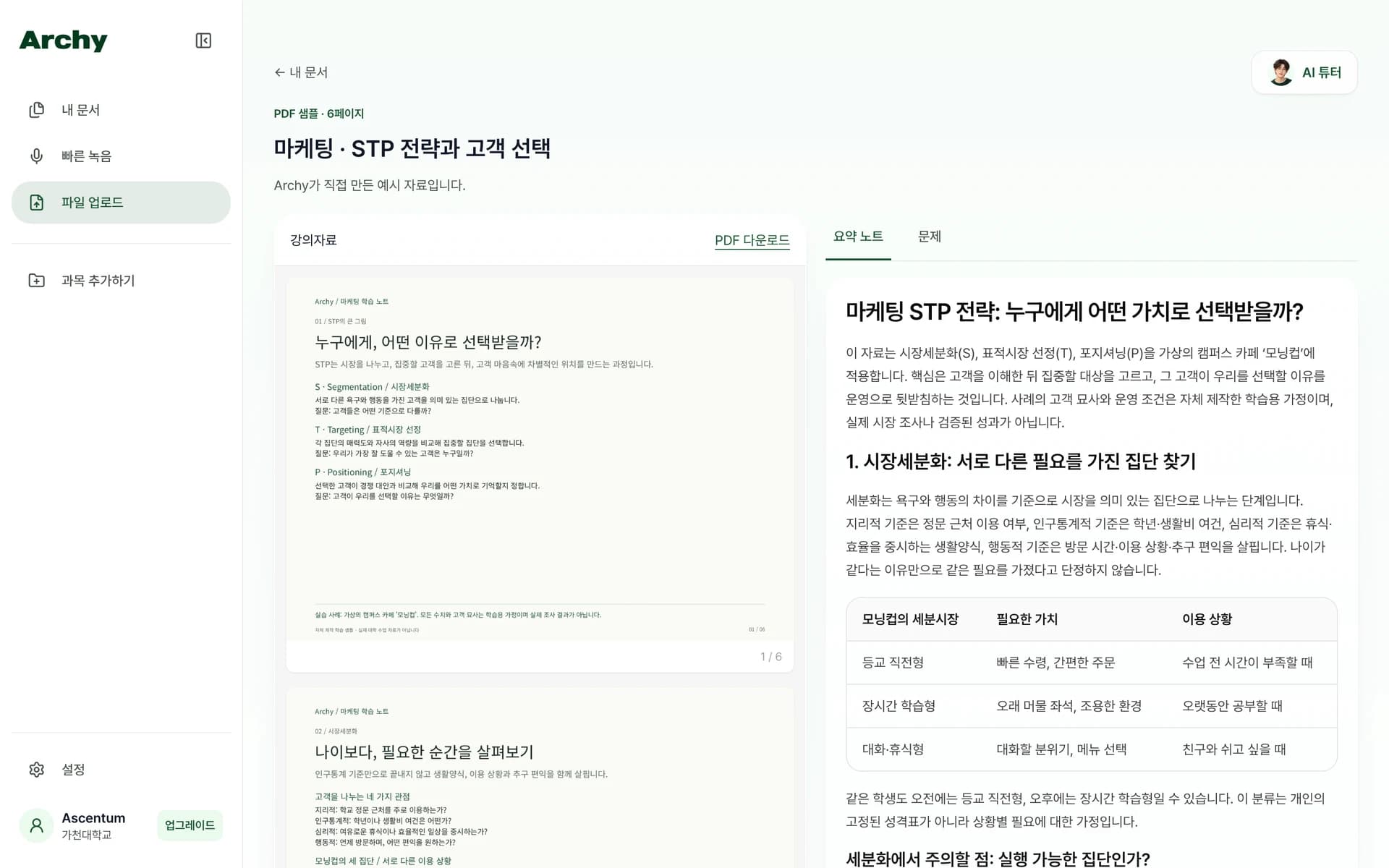
02
Find your starting point in clear summary notes.
Review the key ideas and explanations before reading through the whole source again.
Keep the original material and summary notes in one document.
03
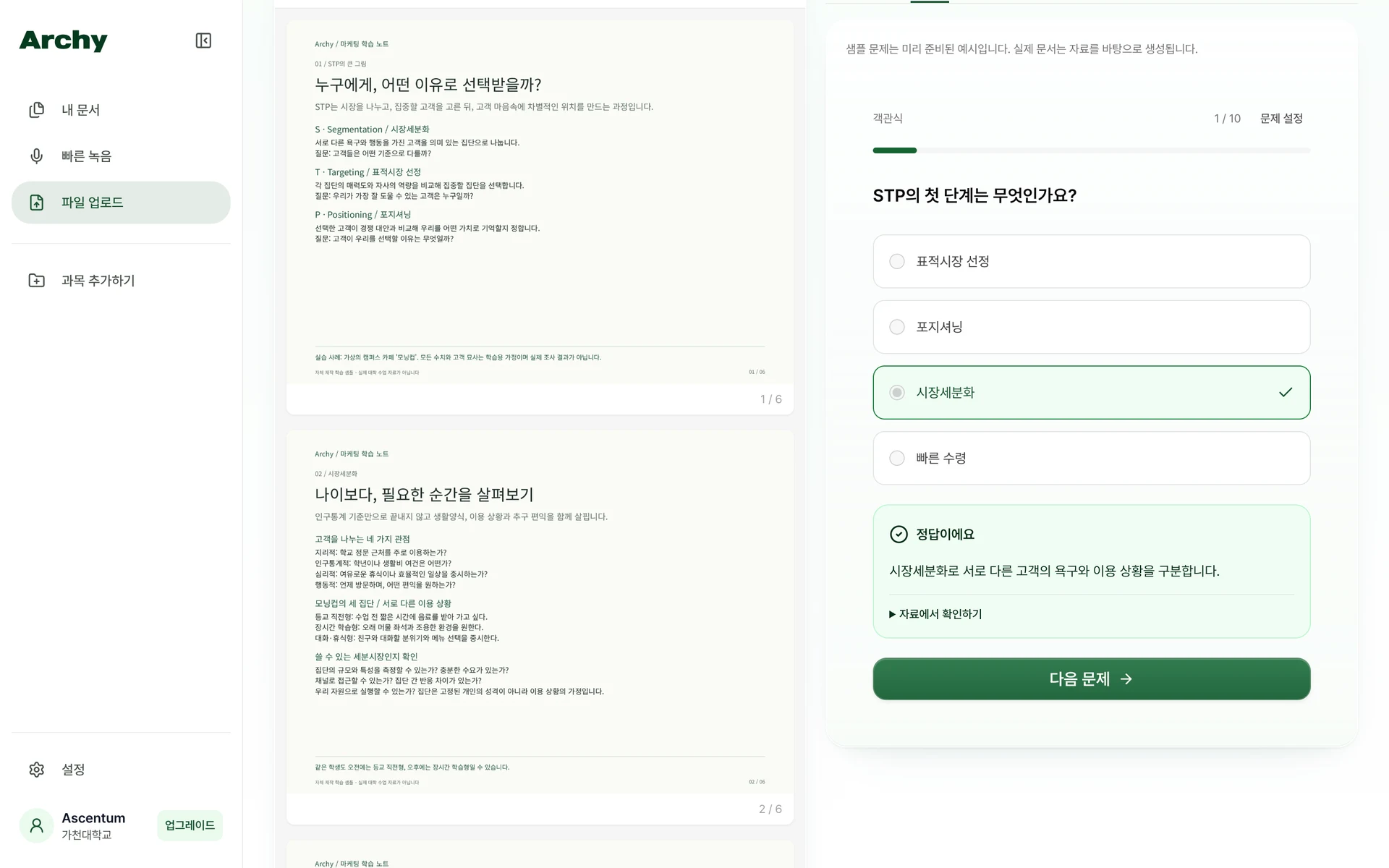
Check what you know with a quiz.
Choose question types and 3–20 questions to test your understanding.
See your score and explanations, then retry the questions you missed.
04
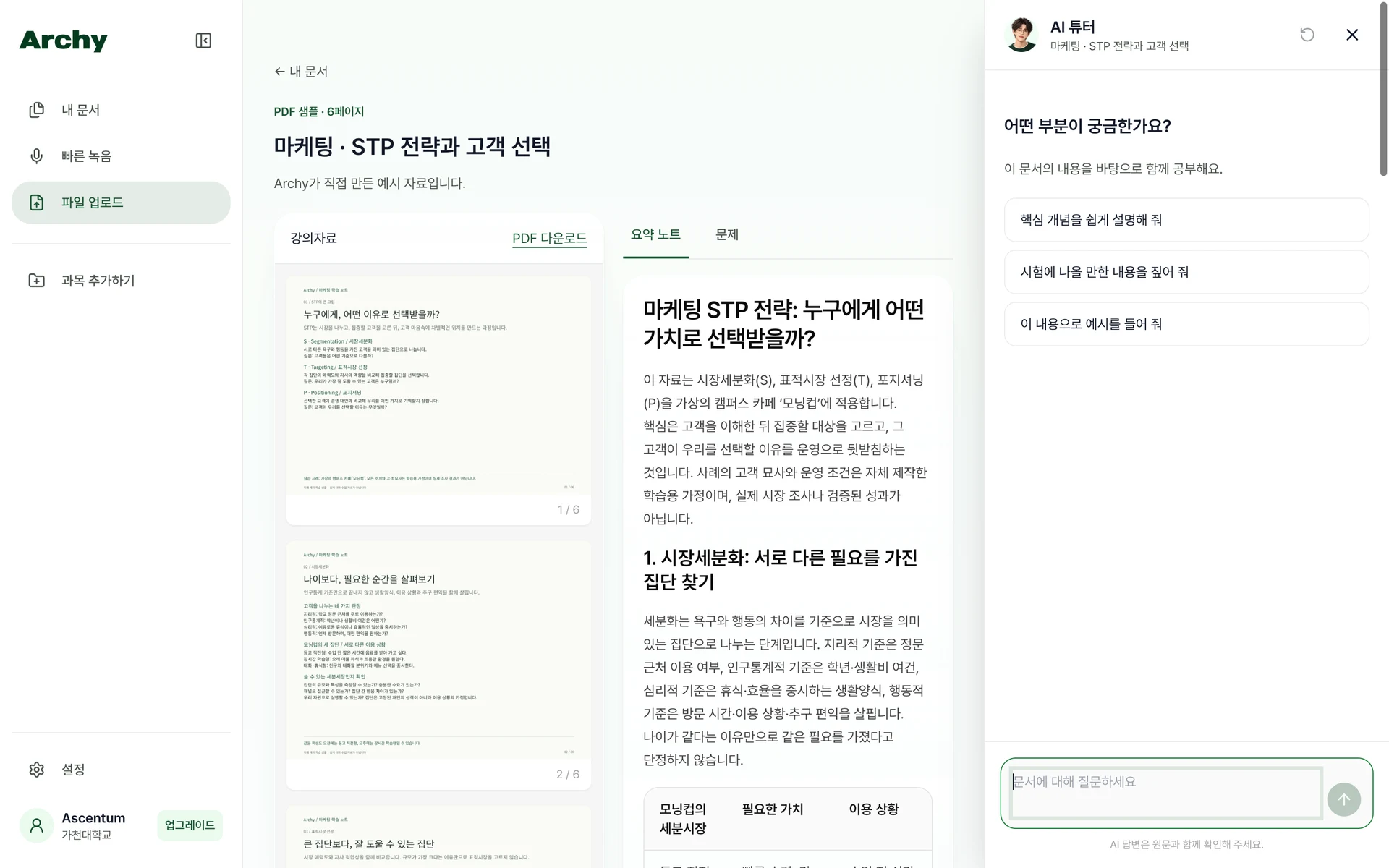
Ask your tutor when a concept is unclear.
Get answers grounded in the document you are studying, streamed as they are generated.
Use source buttons to jump to the summary passage behind an answer.
A space from class to review
Record during class
Record a lecture and continue with summary notes.
Use questions to review your recorded material, too.
My Documents and course folders
Find materials in your gallery and group them by course.
Open the document you need when it is time to study again.
Be present while listening. Come back when you need it.
Example reviews · These illustrative stories describe ways to use Archy. They are not real user testimonials.
More understanding, less scrambling to write.
Trying to write down every explanation made it hard to follow along. I can record, check the notes, and revisit the parts I found confusing after class.
Read unfamiliar ideas in a familiar language.
I sometimes miss expressions in a Korean lecture. Reading the translated notes helps me follow the flow and collect concepts to study later.
A clearer place to begin reviewing.
I look through the organized notes before replaying the recording. Starting with the parts I do not remember makes it easier to get going.
Get started now
From class notes to exam prep, do it all with Archy.